UGC video editor
Turn existing product footage into ready-to-run ads
Upload the clips you already filmed. UGC Locker cuts the hooks, demos, and CTAs, then captions and reframes them into ads you download.
No more AI slop.
No card required.
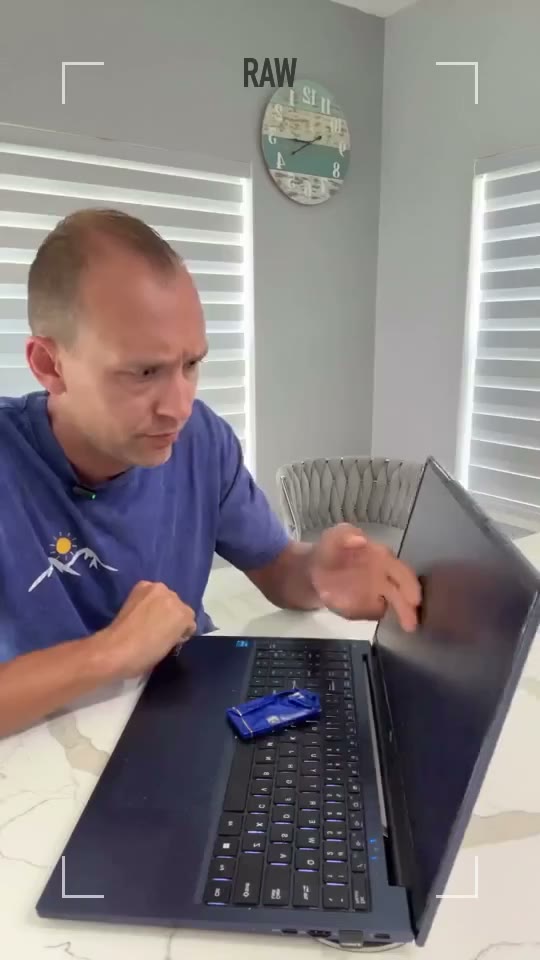
Raw, then ready
Same clip. Zoom, captions, and b-roll.
From one shoot to several ads
Raw footage
Import your existing UGC clips, and export automatically cropped, framed, captioned ads.
Moments it finds
Locate the best hooks, demos, testimonials, and CTAs to drive sales.
- Hooks
- Demos
- Testimonials
- CTAs
Bulk ads
Create winning variations with ease. Less effort, better results.
Hook. Proof. Ask.
A few of the variations: a hook, a proof point, and an ask.
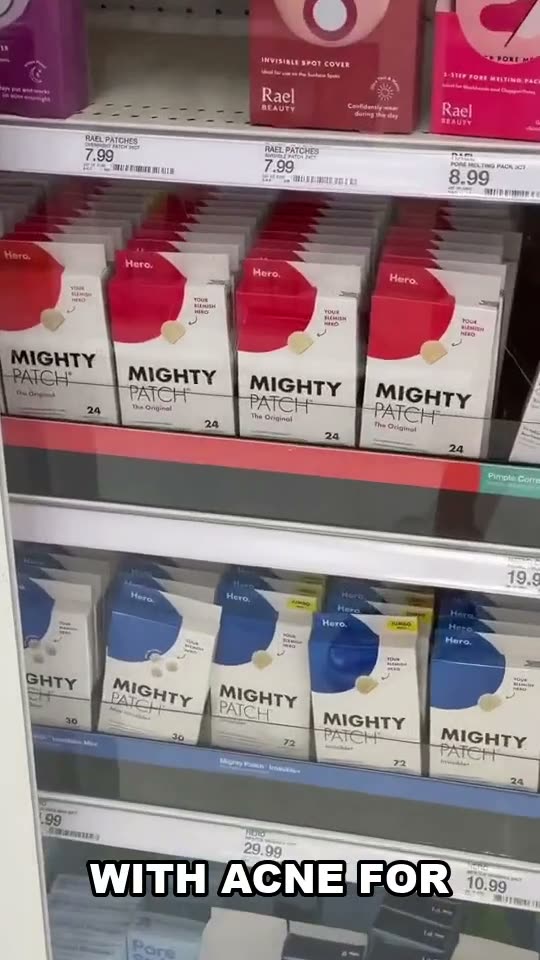
Hook
The first line. Stop the scroll.
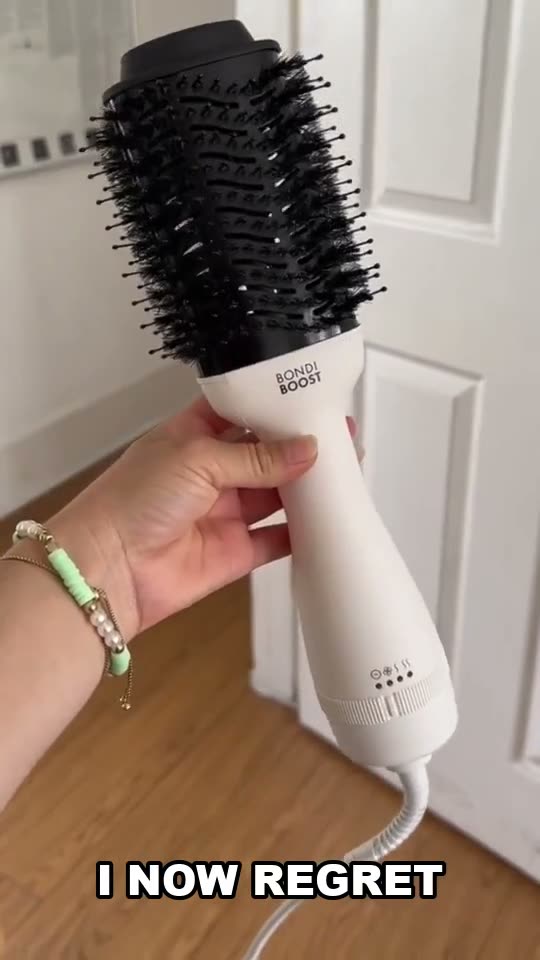
Proof
Why it works. Keep them watching.
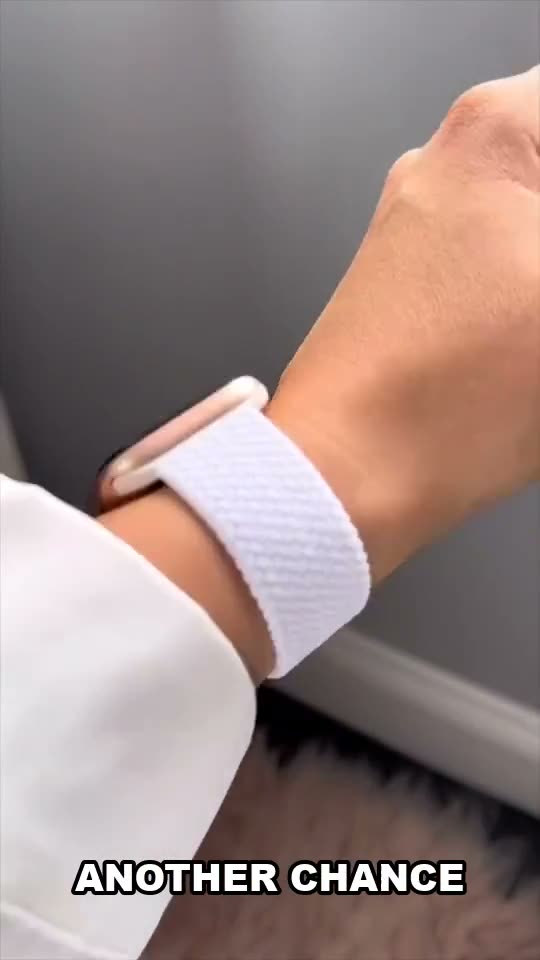
Ask
Tell them what to do next.
You already paid for the footage. Drop the same shoot in and get multiple hooks and variations instead of editing every ad from scratch.
How it works
Upload footage you already have. It pulls out the hooks, demos, and CTAs, captions them, and gives you MP4s to download.
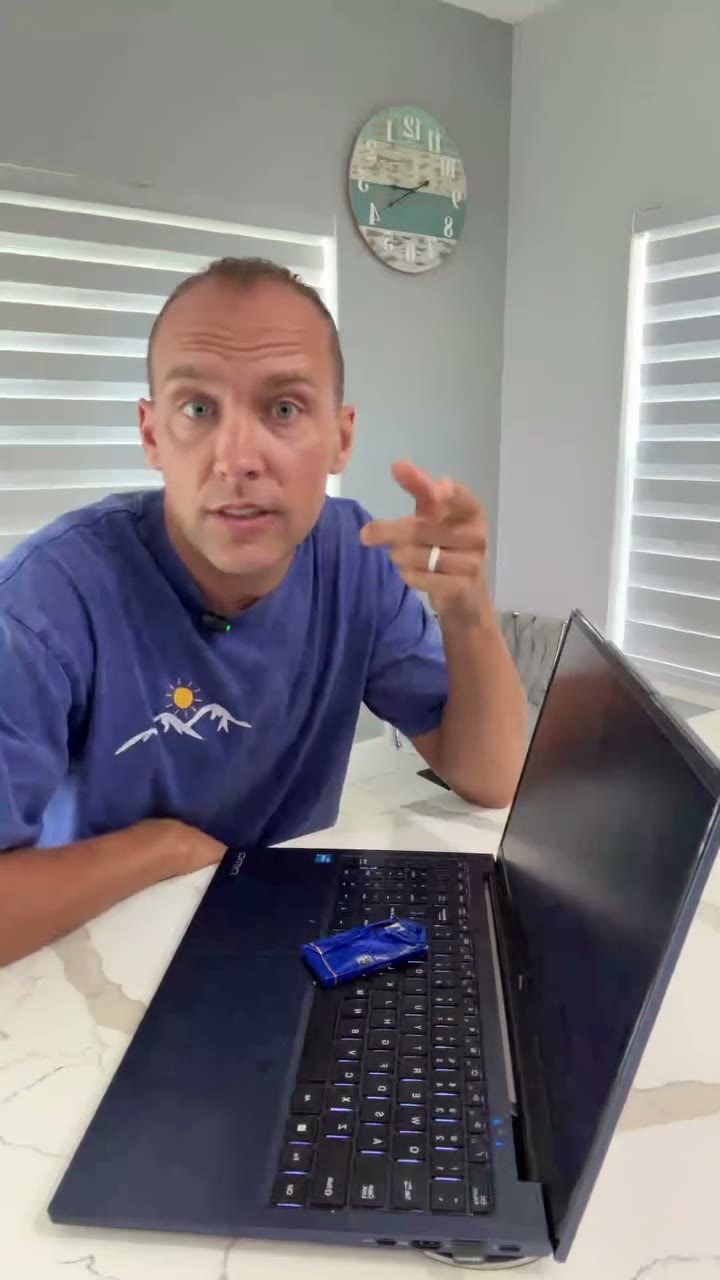
The footage you already have
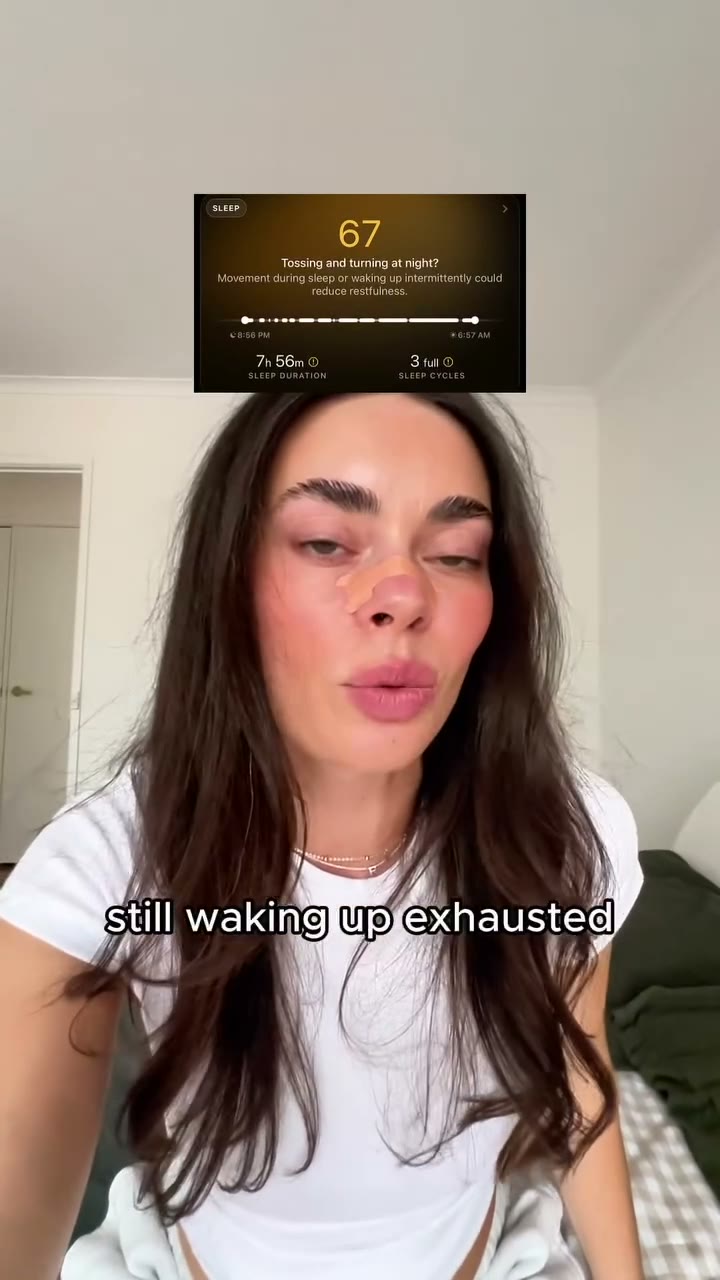
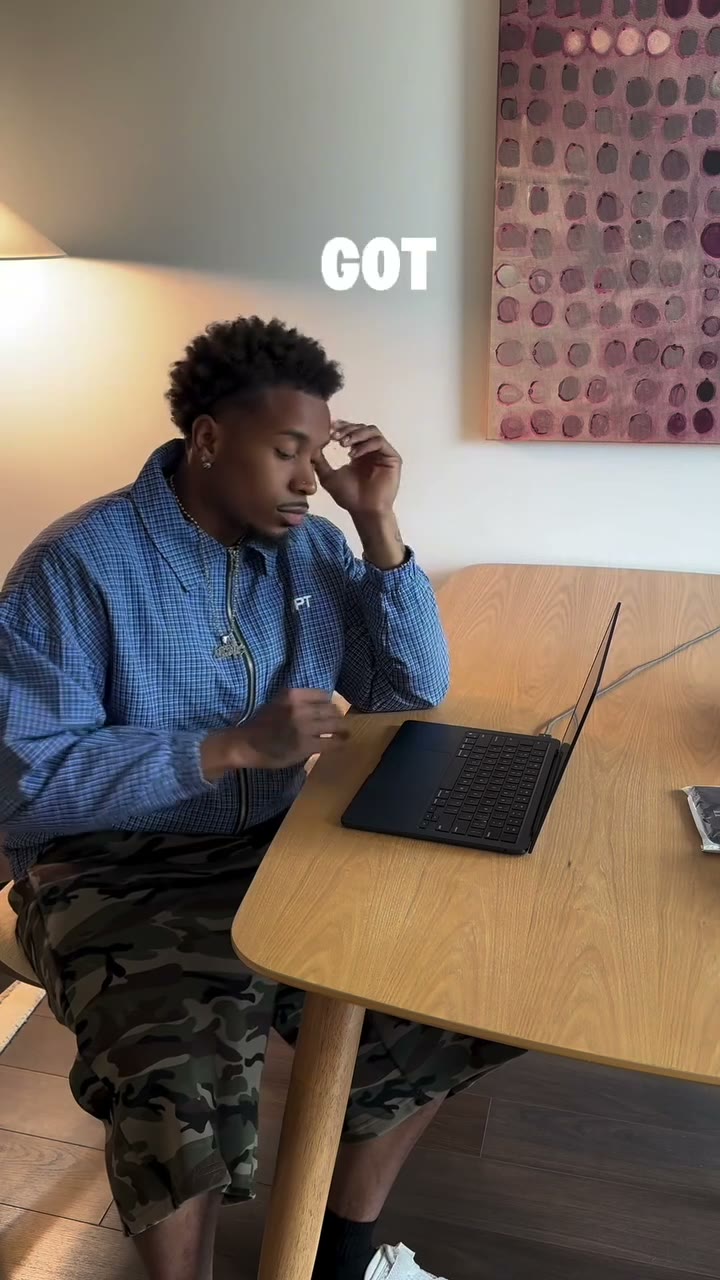
Store aisle, bathroom counter, talking to camera. The same shoot, cut into more than one ad.
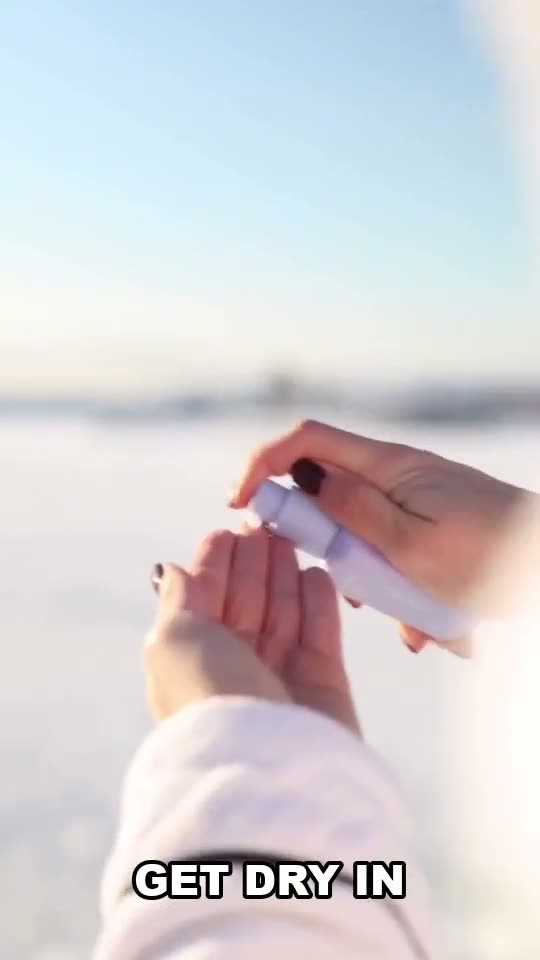
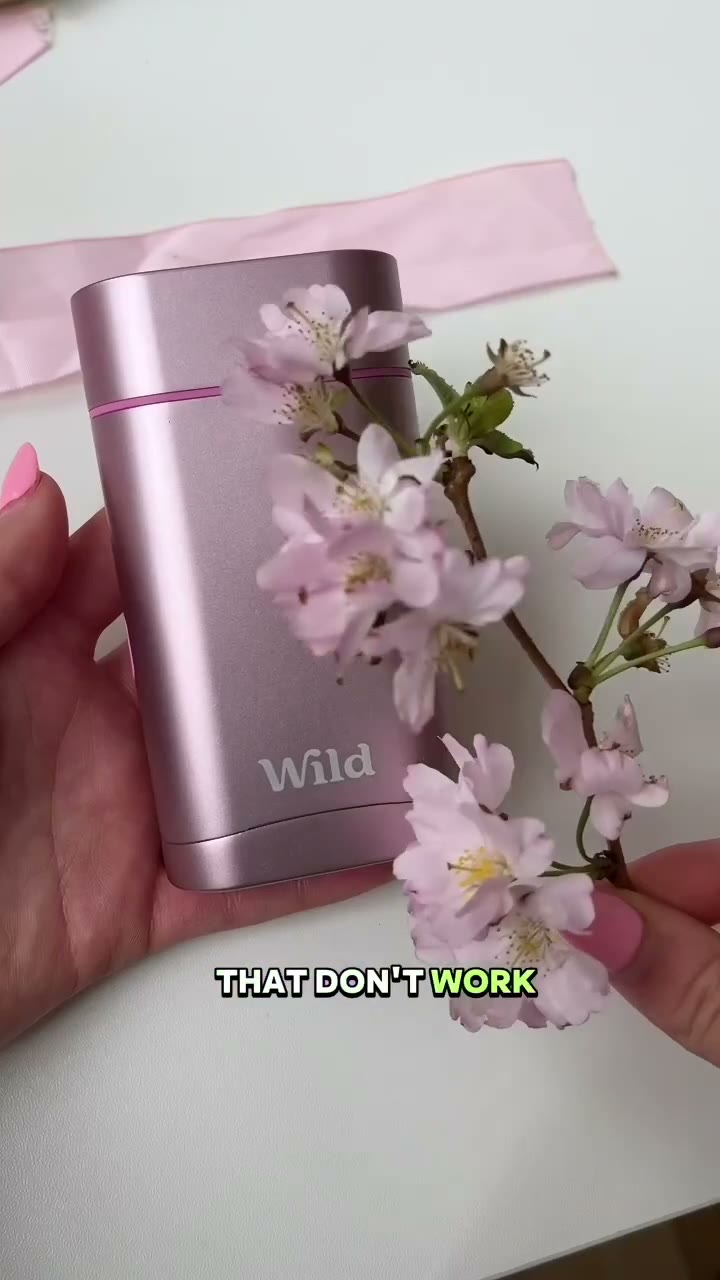
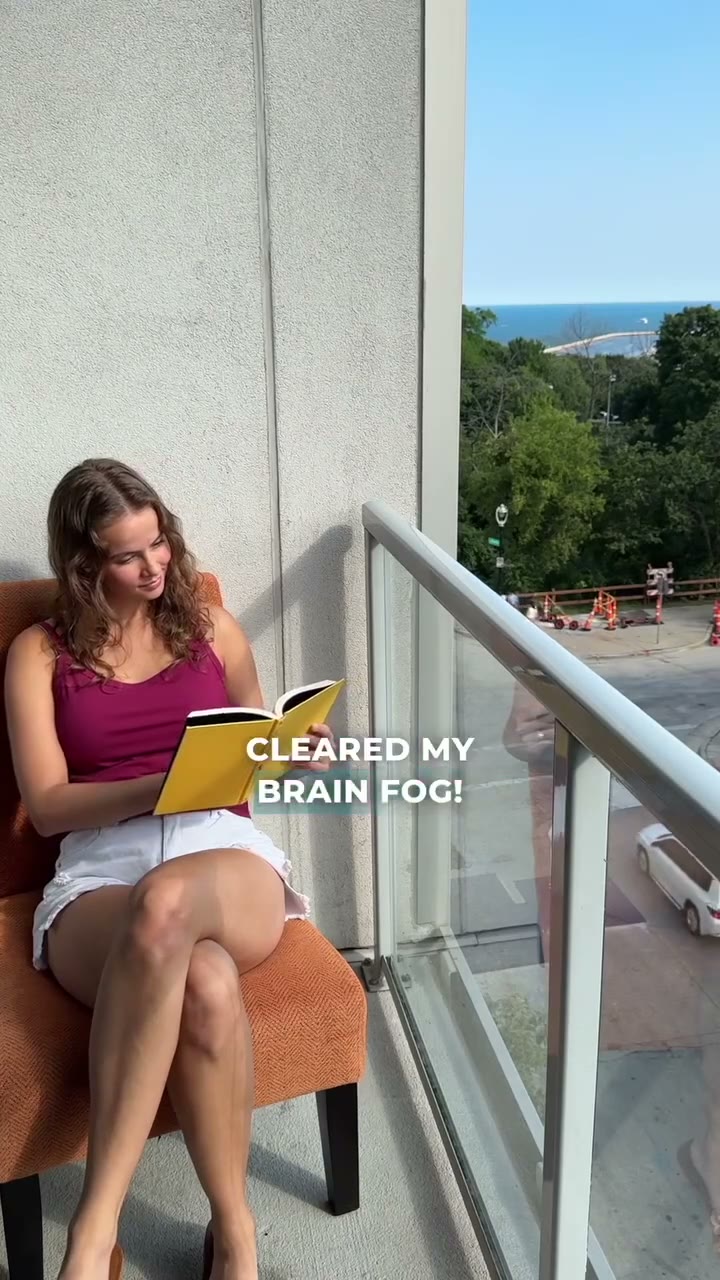
Intelligent reframing
Wide footage becomes a vertical ad, with the person kept in frame.
The crop follows the subject. Drag it, lock it, or zoom in before you export.
Automatic captioning
Spoken lines land on the ad in the font, color, and position you choose.
Each clip is transcribed, then those words are burned into the 9:16 file you download.
More variations from the same shoot
One upload can become several different ads.
Hooks, demos, testimonials, and CTAs come out of the same clips and are assembled into different variations.
Frequently asked
Who is this for?
Creators and brands. Anyone who is creating video ads to run on social media. If you have raw product footage and want to save time editing and making ad variations, this is for you.
What footage should I upload?
Uncaptioned creator video — someone talking to camera, holding the product, or filming it in use. MP4, MOV, or WebM. You can also drop an MP3 or WAV voiceover, and a music file to sit underneath. The free preview allows about 5 minutes per file and 5 minutes transcribed in total. Starter files can run up to 15 minutes (60 minutes transcribed); Creator and Studio up to 20. If the footage already has captions, turn captions off before you render so a second line is not burned on top.
What happens to the footage after upload?
Each video is transcribed, then split into moments such as hook, problem, benefit, demo, testimonial, call to action, and b-roll. Those map onto hook, body, and CTA. Body is the middle, and the finer label stays on the clip. A voiceover is planned over product footage, then talking-head clips, so one ad can mix both. Music is bedded under the cut from a louder section of the track, not always the start. Those moments are scored, and Generate builds as many different ads as the footage can actually support — from 3 up to 20 — instead of repeating one idea. You can also hold one ad still and swap only the hook or only the body, or assign the clips yourself in a hook × body × CTA grid. You can fix a wrong word, retag a clip, split or delete one, step frame by frame, and drag the crop. The same point of interest frames 9:16, 4:5, and 1:1. Footage is chosen when the project is created. If a hook or a body is still missing, you can upload more clips before the ads are generated. A call to action is optional. Free preview files are removed 14 days after the project is created. On a paid plan they stay while the subscription is active, and are deleted when a canceled period ends.
What file do I download?
An MP4 in 9:16, 4:5, or 1:1, named from the hook, body, CTA, and frame. Captions use the font, color, size, and position you chose, or you can turn them off. The free preview includes 3 downloads, with no card. Add a card for more. If you add your own logo, it stays on the ad until you remove it. Brand name and CTA text use that same caption treatment and show on the last clip. You can download one file or the batch as a zip. UGC Locker does not publish to Meta, TikTok, or anywhere else.
Do I still need an editor?
Not for this pass. You can correct the transcript, cut a clip in half, drop one you don’t want, and lock or zoom the crop. Keep an editor when you want a brand film, motion graphics, or a cut that is not assembled from raw talking-head footage.
Can I try it without a card?
Yes. Create an account and confirm your email, or continue with Google. You can upload about 5 minutes of footage, generate up to 3 ads, and download 3 videos. No card. Add a card to go beyond that.
How does the 7-day trial work?
The 7-day trial is the paid upgrade, separate from the free preview. You add a card and get seven days on Starter limits: 60 minutes of footage transcribed, 30 generated ads, and 40 MP4 renders. Nothing is charged during those seven days. Cancel before they end and the plan never starts. If you stay, Starter is $12.50/month, or $127.50/year. Yearly is billed once at 15% off; minutes, ads, and renders still reset each month.
How do I cancel?
Open billing in your account, or email info@ugclocker.com from the address you signed up with. Cancel during the trial and you are not billed. After a paid period has started, canceling stops the next renewal. Files, scenes, and renders are deleted when that paid period ends.
When do you refund a payment?
Cancel during the trial and you are not charged. Once a paid month or year has started, canceling does not refund unused time, unless the law requires it or the charge was a mistake — a duplicate charge or a billing error, for example. Email info@ugclocker.com with the account address and, if you have it, the invoice or the last four digits of the card.